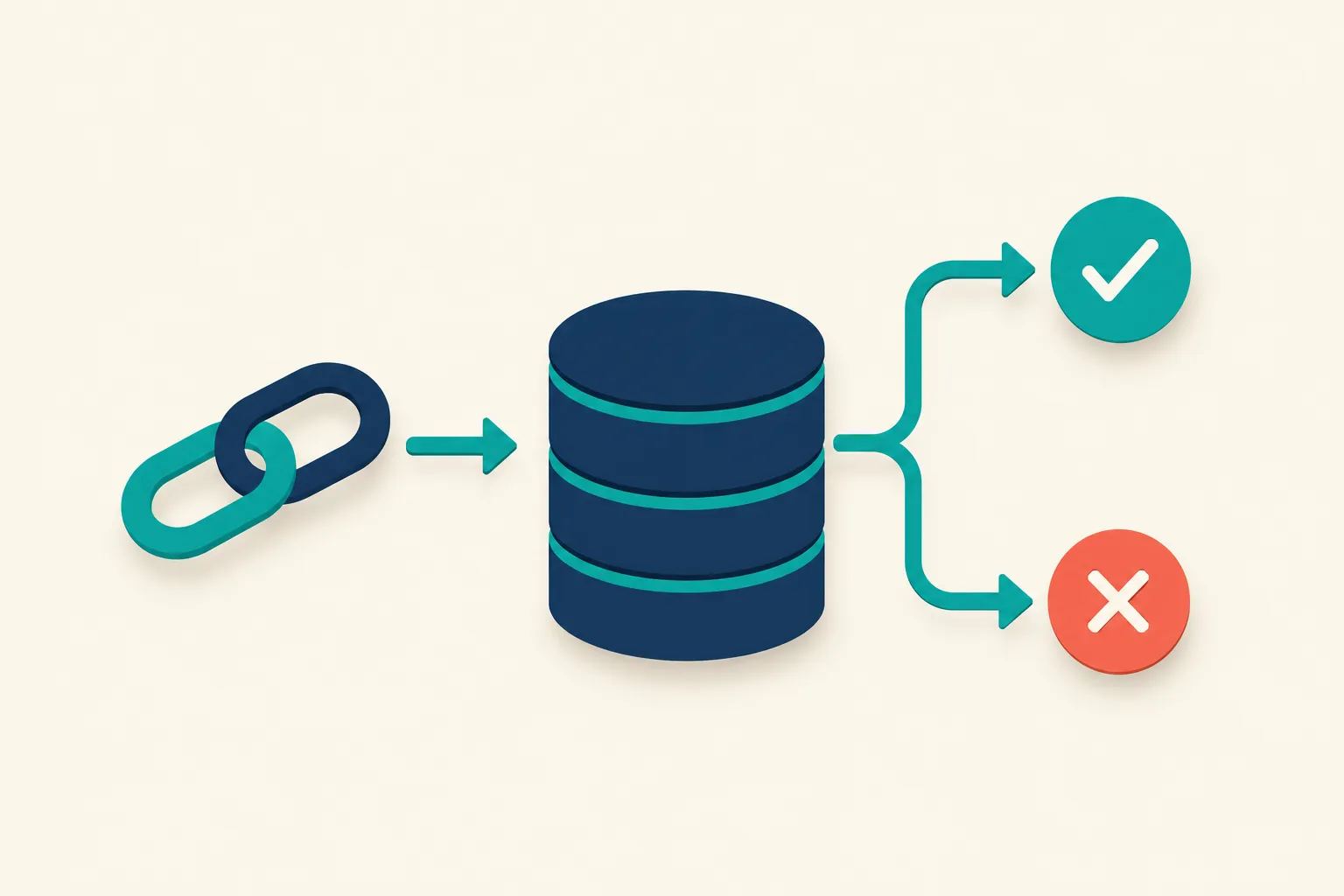
A backlink only carries ranking value if Google has indexed the page it sits on. As Ahrefs puts it in its definition of link equity, “only indexable pages can pass link equity, and only via ‘followed’ links… noindexed, not-crawlable, non-canonical pages can pass no link juice.” A link on a page Google never indexed, or later dropped from its index, is dead weight: live, dofollow, and pointed at exactly the right URL, but passing nothing. Checking a backlink’s indexing status deserves the same routine attention as checking whether it’s still dofollow or still live.
Why an Unindexed Backlink Passes Little to No Value
Google can only credit a link once it’s processed as part of an indexed page. If the linking page sits outside Google’s index, its anchor text and destination URL never enter Google’s ranking calculations, no matter how relevant the page or how well-earned the placement.
That’s a different question from whether the page is merely crawlable. Google’s own Page Indexing report documentation makes clear that crawling and indexing are separate steps: a page can be visited by Googlebot and still never make it into the index. That gap is exactly where a lot of otherwise-legitimate backlinks quietly lose their value.
How to Check Whether a Specific Backlink’s Page Is Indexed
The right method depends on whether you control the linking page.
If You Also Manage the Linking Page
When the backlink sits on a property you or your company also runs (a partner blog, a subsidiary site, a syndicated placement on your own network), Google’s URL Inspection tool gives a direct answer. It shows “information about Google’s indexed version of a specific page, and also allows you to test whether a URL might be indexable.” A status of “URL is on Google” means the page is indexed, though Google is explicit that this “doesn’t guarantee that your page is appearing in Search results.” One caveat: the report reflects the last-crawled version of the page, so pair it with the Live Test button if you’ve just made changes.
If You Don’t Control the Linking Page (the Usual Case)
Most earned backlinks sit on domains you have no Search Console access to, since URL Inspection only works inside properties you’ve verified. For links you don’t own, you’re working with indirect signals instead:
| Method | Works without owning the page | Reliability | Best for |
|---|---|---|---|
| URL Inspection tool (GSC) | No | Authoritative | Your own domains or partner sites you also manage |
site: search operator | Yes | Low | A quick, one-off eyeball check |
| Organic keyword/traffic data (Ahrefs, Semrush) | Yes | Strong indirect signal | Confirming indexing while already reviewing referring-page quality |
| Third-party “index checker” tools | Yes | Varies by tool | Bulk lists, spot-checked afterward |
The site:example.com/exact-path search is the fastest check, but treat it as a hint, not proof. Google’s Gary Illyes has said plainly that “the site thing shows me some of the pages that are indexed”, not a complete or reliable inventory. A page missing from site: results might still be indexed; one that appears isn’t guaranteed to rank for anything.
A more reliable proxy is organic performance data. If Ahrefs’ or Semrush’s Site Explorer shows any organic keywords or estimated traffic for the exact URL linking to you, that page is indexed, since a page has to be in Google’s index before it can rank for anything. It’s a useful gut-check when you’re already pulling a backlink export for other reasons, since the referring-page data usually sits one column away from the anchor text and rel attribute you’re already reviewing.
Common Reasons a Backlink’s Source Page Never Gets Indexed
Not every unindexed page is a mystery. The most frequent causes, in roughly descending order of how often they show up on real backlink profiles:
- A
noindextag on the page. Intentional on the publisher’s part, sometimes added after the fact during a site cleanup that had nothing to do with your link. - A
robots.txtdisallow on the page or directory. This is the worst case for a backlink: if Googlebot can’t crawl the page at all, it never discovers the link sitting on it in the first place. - “Crawled – currently not indexed.” Per Google’s documentation, this means “the page was crawled by Google but not indexed. It may or may not be indexed in the future.” It’s the most common outcome for thin, templated, or low-differentiation content, which describes a fair share of paid guest posts and directory listings.
- “Discovered – currently not indexed.” Google explains this happens when “Google wanted to crawl the URL but this was expected to overload the site; therefore Google rescheduled the crawl,” a pattern common on low-authority sites Google doesn’t prioritize.
- Duplicate content without a canonical tag. Frequent on press-release wire services and syndicated guest posts republished across multiple domains.
- 404s, 5xx errors, or redirect chains on the linking page itself.
If the linking page falls into “crawled – currently not indexed” or “discovered – currently not indexed,” that’s also a signal about the site’s overall authority, not just this one page. Low-authority, thin-content, or rarely-crawled domains are exactly the kind of placements where indexing is the first thing to check before assuming the link is doing anything.
Realistic Ways to Encourage Indexing (and What Doesn’t Work)
If you have a relationship with the linking site, the most effective request is the simplest one: ask them to submit the URL through their own Search Console, or to add an internal link to it from a page they already know gets crawled regularly. Google’s discovery data in the URL Inspection tool tracks “how Google found the URL, sitemaps, and referring pages,” and internal links from well-crawled pages are one of the more reliable discovery paths.
You can also add a genuine external signal from your own side: if the placement is worth citing, link to it from your own blog or newsletter where relevant. That’s an editorial link, not a manipulation tactic, and it gives Google one more path to the page.
What doesn’t work is trying to force it. A common misconception is that Google’s Indexing API can be pointed at any URL to speed up indexing. Google’s own documentation says otherwise: “the Indexing API can only be used to crawl pages with either JobPosting or BroadcastEvent embedded in a VideoObject.” An ordinary blog post, guest article, or directory listing is out of scope, full stop. A tool claiming to use “the Indexing API” on general backlink pages either isn’t doing what it says or is misusing an API scoped for something else. IndexNow, the other protocol that comes up here, is supported by Bing and Yandex, not Google, so submitting a URL there has no effect on Google’s index.
Why “Instant Backlink Indexing” Services Are a Bad Bet
Services that promise to index a batch of backlinks overnight typically work by mass-pinging the URLs, submitting them to bookmarking and RSS aggregator networks, or pointing a wave of low-quality links at the target page to manufacture crawl demand. That last tactic runs directly into Google’s spam policies, which name “using automated programs or services to create links to a site” as link spam on its own.
Even setting the policy risk aside, the mechanism doesn’t fix the actual problem. If a page is sitting in “crawled – currently not indexed” because the content is thin or duplicative, no amount of pinging changes that assessment. Indexing follows from quality and discovery signals, not request volume, so the realistic fix stays the one covered above: internal links from the publisher, a genuine citation from your own site, and patience while Google reassesses the page.
Treat Indexing Status Like Any Other Link Health Check
Indexing status is one more attribute worth checking alongside the ones link builders already track: is the link still live, still dofollow, still carrying the agreed anchor text. The GSC Links report will tell you who links to you, but its aggregated tables aren’t built to answer whether one specific linking page is currently indexed. And because a page can rank fine at launch and later fall out of the index after a site-wide quality problem on the publisher’s end, indexing status isn’t a one-time check either. It fits naturally into whatever ongoing link monitoring cadence you already run for drops, nofollow flips, and 404s.
BacklinkTower’s per-link status checks already surface whether a link is live and how it’s classified (dofollow, nofollow, sponsored, ugc). Pairing that with an indexing spot-check on your highest-value referring pages gives you the fuller picture: a link only does something for you when it’s live, correctly attributed, and sitting on a page Google has actually indexed.
Frequently Asked Questions
Does an unindexed backlink still help my SEO?
No. Per Ahrefs’ definition of link equity, only indexable pages can pass link value, and only through followed links. A link on a page Google hasn’t indexed isn’t contributing to your rankings, even if the link itself is live and dofollow.
How do I check if a specific backlink’s page is indexed?
If you control the linking domain, use Google’s URL Inspection tool in Search Console for a definitive answer. If you don’t, use a site:example.com/exact-path search as a quick (imperfect) check, or look for organic keyword or traffic data for that URL in Ahrefs or Semrush, since a page can’t rank for anything without being indexed first.
Can I use the Google Indexing API to get my backlinks indexed faster?
No. Google’s documentation states the Indexing API “can only be used to crawl pages with either JobPosting or BroadcastEvent embedded in a VideoObject.” It doesn’t apply to ordinary blog posts, guest articles, or directory pages, regardless of what a third-party tool claims.
Why would Google crawl a page but not index it?
Google’s Page Indexing report lists this as “Crawled – currently not indexed,” meaning Googlebot visited the page but decided not to add it to the index, often because the content is thin, templated, or too similar to other pages it already has. It’s a common outcome on low-effort guest posts and directory listings.
Is the site: search operator a reliable way to check if a page is indexed?
Not fully. Google’s Gary Illyes has said the operator “shows me some of the pages that are indexed,” not a complete list. Treat a site: search as a quick directional signal, not confirmation either way.
Are paid “instant indexing” or backlink indexer services worth using?
Generally no. Most rely on mass pinging or bookmarking networks that don’t influence Google’s crawl priorities, and some point automated link networks at the target URL, which falls under Google’s own definition of link spam. They don’t fix the underlying reason a page isn’t indexed, and they add risk without addressing it.
How long does it usually take for a new backlink’s page to get indexed?
There’s no fixed timeline. Well-crawled, authoritative sites with clean internal linking often get new pages indexed within days. Low-authority or infrequently-crawled sites, the kind common in bulk guest-post or directory campaigns, can sit in “discovered – currently not indexed” for weeks or indefinitely.
Leave a Reply