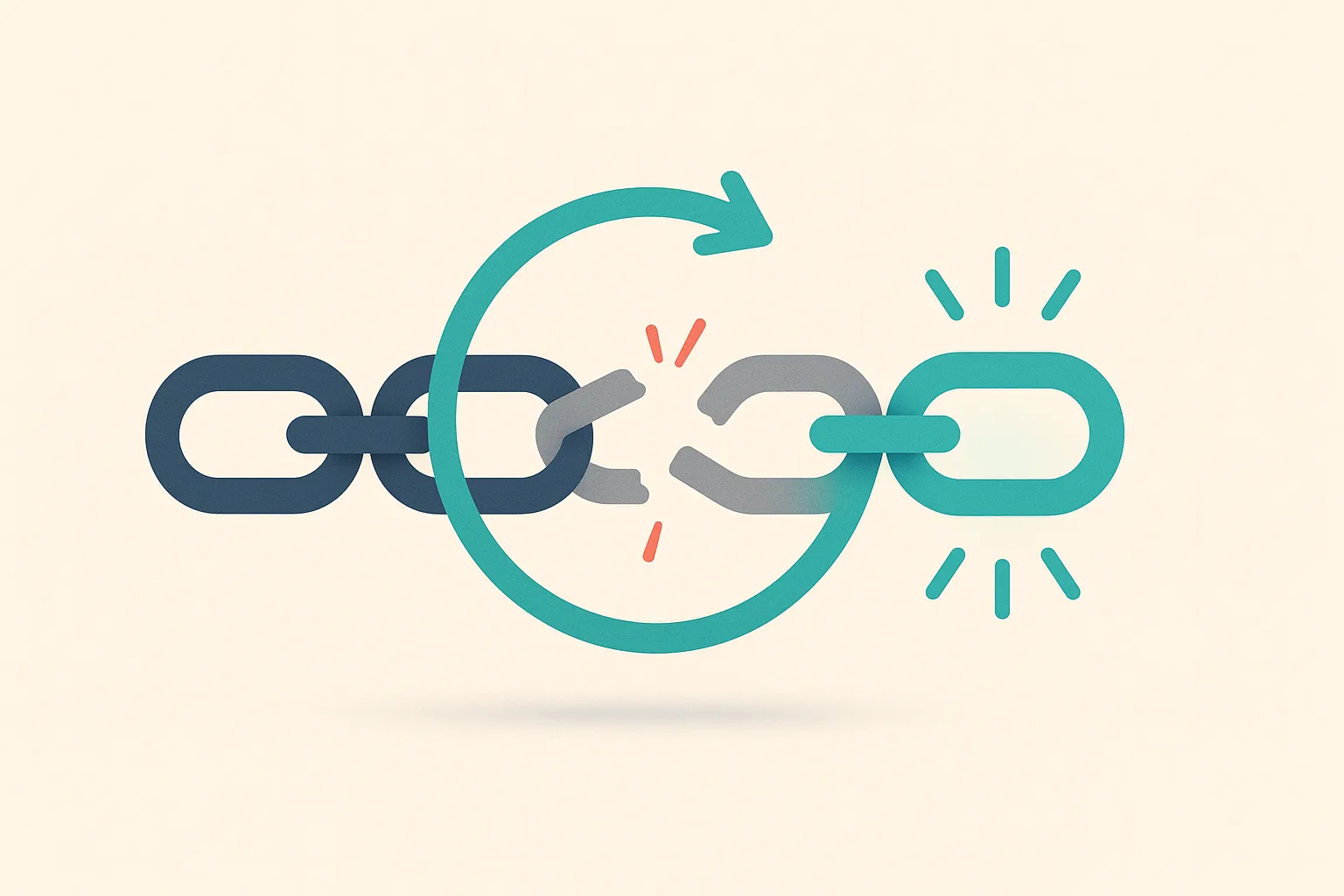
Link reclamation is the process of getting back links you already earned and then lost. You are not building new relationships or buying placements; you are reclaiming something that once pointed to your site and stopped. The core workflow is three steps: detect which links dropped, triage which ones are worth pursuing, then act based on the specific drop reason. Most losses are not recoverable or not worth the effort, so the triage step matters as much as the detection.
This guide covers the detection workflow (using GSC, Ahrefs, Semrush, or a free spreadsheet approach), a decision matrix for triaging drop reasons, concrete recovery tactics for each scenario, and how to prevent the quarterly scramble with ongoing monitoring.
Why Backlinks Disappear
Backlinks drop for reasons you control, reasons the linking site controls, and reasons neither party controls. Understanding the cause determines whether recovery is possible.
Drop reasons on the linking site’s end:
- Link removed: The editor updated or rewrote the page and cut your link. The most common cause when a live page no longer links to you.
- Page deleted (404): The linking page no longer exists. If it returns a 404, your link is gone with it.
- Page redirected (301/302): The linking page now redirects elsewhere. Ahrefs’ “link lost” classification marks this separately from a removed link: “The linking page is now redirected somewhere else.”
- Noindexed: The publisher added a
noindexdirective to the linking page. Ahrefs stops counting links from noindexed pages: “The linking page has a ‘noindex’ attribute or HTTP response header during the most recent crawl.” - Site expired or sold: The linking domain shut down or changed ownership and content was removed.
- Replaced with a competitor: Your link was swapped for a link to a competing resource, sometimes because a competitor reached out first.
Drop reasons on your end:
- Your target URL 404s: You changed a URL or deleted a page and the inbound link now hits a dead end. This is the most recoverable scenario because the fix is entirely in your hands.
- Redirect chain degraded: A redirect you set up broke or was removed, so what was once a clean pass-through now returns an error.
How to Find Lost Backlinks
The detection approach depends on which tools you have access to.
With Ahrefs
In Site Explorer, enter your domain and open Backlinks > Lost. This shows all links Ahrefs stopped seeing in the past 30 days, tagged by loss reason: Link Removed, Not Found, 301/302 Redirect, Noindex, and others. Set the “Best links” filter to restrict results to high-DR, high-traffic, followed links. A site losing thousands of links per month (normal for active domains) might have only 50-100 candidates worth reviewing once you apply quality filters.
With Semrush
In Backlink Analytics, select your domain, open the Backlinks tab, and filter by “Lost.” The Semrush Backlinks Overview describes this as links “Semrush no longer sees pointing to the queried domain.” You can also check the Backlink Audit > Lost & Found report for a time-series view of gains and losses.
With Google Search Console (free)
GSC’s Links report (Search Console > Links > External links) shows your current link profile but does not provide a “lost” filter or historical comparison. To find losses using GSC alone, export your current top linking sites to a spreadsheet, then compare it against a previous export from 30-90 days ago. Any referring domain that appeared in the old export but not the new one lost a link to you during that window. This approach misses granular drop reasons but costs nothing.
Spreadsheet diff (no paid tools)
If you track your own link profile manually, the core technique is a domain-level diff:
- Export current referring domains (one row per domain, columns: domain, link count, date).
- Pull your previous snapshot from 30-90 days ago.
- In column D, use a VLOOKUP or COUNTIF to flag domains present in the old snapshot but absent in the new one.
- Those flagged rows are your lost-link candidates.
This takes 20-30 minutes per audit but requires no paid tool subscription.
Triage: Which Lost Links Are Worth Recovering
Not every dropped link deserves an outreach email. Before spending time on recovery attempts, filter your candidate list through these criteria:
| Criterion | Worth chasing | Skip |
|---|---|---|
| Link type | Dofollow | Nofollow, sponsored, UGC |
| DR of linking domain | 30+ (ideally 50+) | Under 20 |
| Topical relevance | Same niche or closely adjacent | Unrelated directories, generic sites |
| Your target URL status | Live page, 200 OK | Your page is also 404 or redirected incorrectly |
| Linking page status | Page still exists | Linking page is gone (404 or redirected away) |
| Relationship | You know the site/editor | Cold contact with no history |
If a link fails more than two of these, move on. As Ahrefs notes, “You can’t reclaim a link you never had in the first place,” and many links that technically existed were low-quality to begin with.
Recovery Actions Mapped to Drop Reason
The right action depends entirely on why the link dropped. The table below maps each drop reason to its recoverability and the concrete first step.
| Drop reason | Signal in export | Recoverability | First action |
|---|---|---|---|
| Your target URL 404s | Link still indexed; your page returns 404 | High | Fix your URL or add a 301 redirect to the correct page |
| Link removed from live page | Page is live; link to you is gone | Medium | Email the editor explaining value; offer updated anchor text or resource |
| Linking page 404’d | Linking page returns 404 | Low | Check Wayback Machine; if page is likely to return, wait and re-check |
| Linking page redirected (301) | Linking page redirects elsewhere | Low | Contact site owner; ask if they moved the content and can carry the link |
| Link changed to nofollow | Link still present; rel=nofollow or sponsored now | Medium | Politely request reinstatement as followed; offer content value reason |
| Anchor text changed | Link present; anchor no longer matches | Medium | Reach out to confirm they are happy with new anchor; request correction if clearly wrong |
| Replaced by competitor link | Your link swapped for a competitor’s | Low-Medium | Update or improve your resource; contact editor with specific value differential |
| Site expired/sold | Domain no longer resolves | Very low | Skip unless the domain has been bought and restored |
| Noindexed linking page | Page returns noindex header | Low | Contact site; they may not realize they noindexed a key page |
Fix your own 404s first. It costs nothing, requires no outreach, and passes link equity to the correct destination immediately. Run a backlink audit to surface all inbound links hitting dead pages on your site before doing anything else.
Outreach Template for Link Reinstatement
When a link was removed from a live page and the relationship is cold, keep the outreach short and specific. Reference the exact page and exact link. Do not attach a sales pitch.
Subject: Quick note about a link on [page title]
Hi [Name],
I noticed the link to [your URL] was recently removed from [linking page title]. I wanted to check in case it was removed by accident during an edit.
If the removal was intentional, no worries at all. If you are open to reinstating it, here is the exact URL: [your URL]. It covers [one sentence on what the resource covers and why it fits the context].
Thanks for your time.
[Your name]
Keep subject lines factual, not promotional. Avoid “partnership” language. One follow-up, sent 7-10 days later, is appropriate; a third contact rarely converts and can damage the relationship.
Prevent Future Losses with Ongoing Monitoring
Running quarterly manual audits means you may not discover a dropped link for 90 days. By then, the editor who removed it has moved on and the chance of reinstatement drops sharply.
Setting up ongoing link monitoring solves this. Monitoring tools re-check your links on a schedule and alert you when a link drops, goes nofollow, 404s, or has its anchor text changed. Catching a drop within days (not months) makes the reclamation email timely and contextually relevant.
BacklinkTower’s monitoring re-checks your links automatically and sends alerts when status changes. Combined with a periodic audit, it turns link reclamation from a scramble into a same-week workflow.
For a broader tool comparison, see backlink monitoring tools to find options that match your audit cadence and team size.
Frequently Asked Questions
Why did my backlinks disappear?
Backlinks disappear for several reasons: the linking page was edited and your link was cut, the linking page was deleted or redirected, the publisher added a noindex directive, your own target URL returned a 404, or the linking site shut down. According to Ahrefs’ classification, the most common tag is “Link Removed,” meaning the page is live but no longer links to you.
How do I find lost backlinks for free?
Export your current referring domains from Google Search Console (Links > External links), then compare it against a GSC export from 30-90 days ago. Domains that appeared in the old snapshot but not the new one have dropped links. This spreadsheet diff approach requires no paid tool, though it misses the granular drop reasons that Ahrefs and Semrush provide.
Can you recover a lost backlink?
Sometimes. Recovery depends on the drop reason. If your own target URL returns a 404, fixing it is a guaranteed win because you control the server. If a third-party editor removed your link, a polite outreach email can reinstate it, but results vary. Links lost because the linking page was deleted or the site shut down are rarely recoverable. Success rates vary widely; one Ahrefs case study reported an 18.67% reclamation rate, recovering 31 links from 166 outreach emails.
What is link reclamation?
Link reclamation is the process of recovering backlinks your site previously had and then lost. It is distinct from link building (acquiring new links) and unlinked brand mention conversion (turning brand mentions into links). As Ahrefs puts it: “Link reclamation is the process of reclaiming lost links. You had a link. You lost it. You want it back.” The focus is on links already earned, not new link acquisition.
How often should I check for lost links?
For most sites, a monthly check is sufficient if you have a decent volume of inbound links. If you rely heavily on link equity for rankings, set up automated monitoring to catch drops within days. Sites with active link-building programs should audit losses at least every two weeks so reclamation outreach stays timely. A quarterly audit is the minimum; anything less frequent means links lost in month one are effectively gone by the time you notice.
Is it worth chasing every lost backlink?
No. Focus on dofollow links from domains with a DR of 30 or higher that are topically relevant and where your target page is still live. Low-DR links, nofollow links, and links from expired or irrelevant sites are not worth the outreach time. The Ahrefs “Best links” filter and equivalent Semrush quality filters exist precisely to reduce the candidate pool to the links that actually move rankings.
Leave a Reply