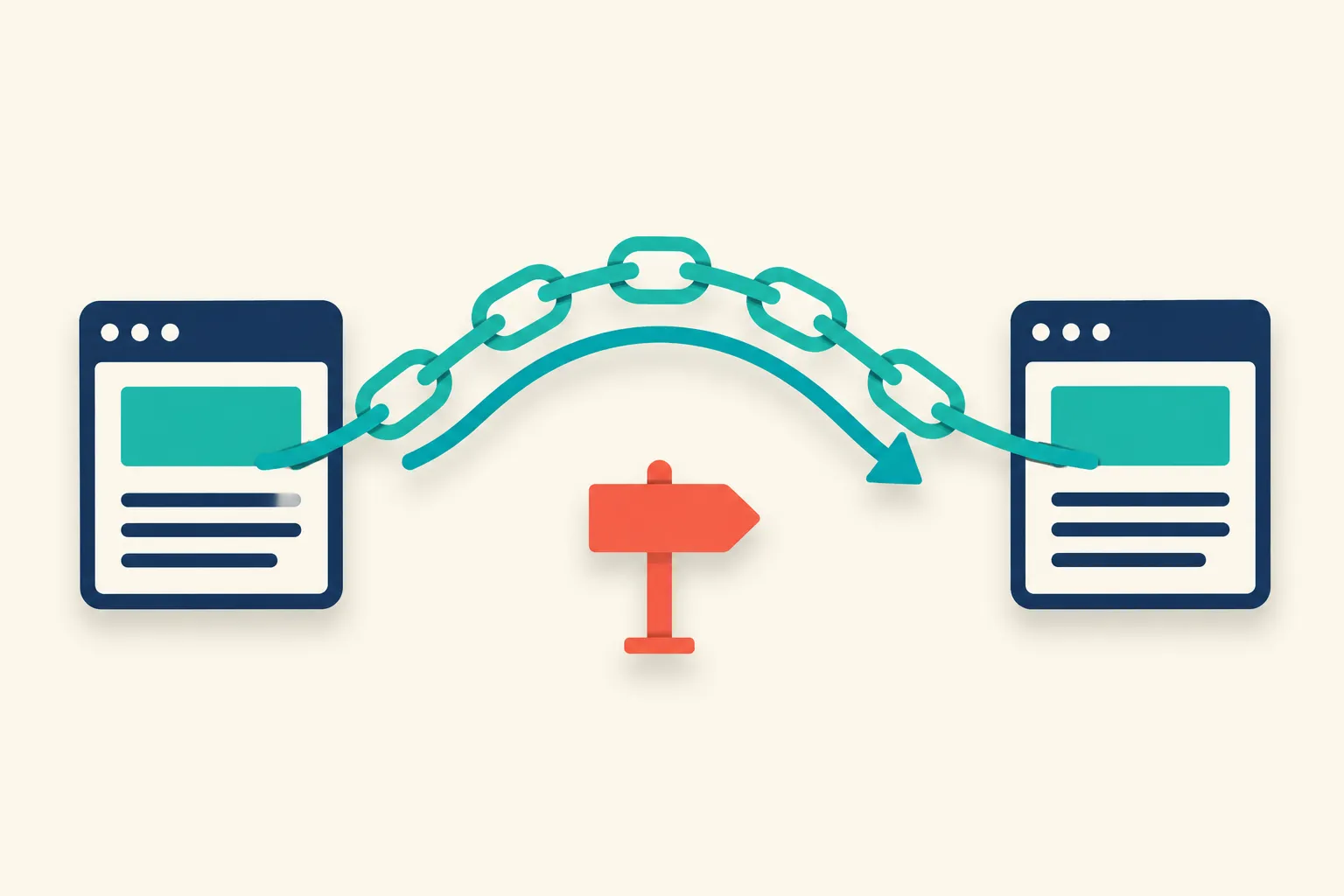
A correctly implemented 301 redirect passes the full value of the links pointing at the old URL to its new destination. Google’s Search Central documentation describes the mechanism directly: the indexing pipeline treats a redirect as a signal that the redirect target should be canonical, then consolidates that URL’s ranking signals, including the equity earned from inbound links, onto the canonical destination. John Mueller has put it more plainly: “We can forward PageRank through 301 and 302 redirects… we use these redirects to pick a canonical,” as Search Engine Journal reported. The catch is that “correctly implemented” carries real conditions: the destination has to be a genuine match for the old page, the redirect has to run server-side, and it can’t sit buried in a long chain. Miss any of those and you keep the redirect but lose the SEO value the backlink was carrying.
How Google Actually Handles a Redirected Backlink
Google doesn’t move a page’s link value the way a bank wires money between two separate accounts. Per Google’s documentation, when Googlebot follows a 301, “the indexing pipeline uses the redirect as a signal that the redirect target should be canonical.” From there, Google tracks both URLs but treats them as one entity for ranking purposes, folding everything, including the link equity built by inbound links, onto whichever URL it decides is canonical (normally your new one).
Ahrefs’ glossary entry on the topic states this plainly: “the 301 redirection method transfers the link equity from the old URL to the new one, meaning that the PageRank will be preserved.” That is the mechanism, and it holds up in practice for the overwhelming majority of straightforward moves: same content, new URL, direct server-side redirect. Where it stops holding up is the subject of the next section.
Three Conditions That Determine How Much Equity Survives
The destination has to be a genuine match
Mueller has been specific about this: “301-redirecting for 404s makes sense if you have 1:1 replacement URLs, otherwise we’ll probably see it as soft-404s,” per the same Search Engine Journal report. Redirect an old page to something that doesn’t actually replace it, a category page, the homepage, a vaguely related article, and Google’s systems can reclassify the move as a soft 404 rather than a legitimate 1:1 redirect. When that happens, the signals largely fail to transfer at all. This is the single most common failure mode in real migrations: consolidating ten old URLs into one new page because it’s faster to implement than mapping each one properly.
The redirect has to run server-side
Google’s own guidance is unambiguous on this point: “if you set a JavaScript redirect, Google might never see it if rendering of the content failed.” A meta refresh or client-side JavaScript redirect is not a real HTTP-level instruction; it depends on Google successfully rendering the page first. Use a server config (.htaccess, nginx, or your CMS’s redirect manager) for anything that matters to your rankings.
The chain has to stay short
Under the pre-2016 model, a three-hop redirect chain could lose as much as 38% of the PageRank passing through it, according to Ahrefs. Google has since said a single, correctly implemented 301 doesn’t decay signal at all, but its current guidance still tells site owners to keep chains tight: “keep the number of redirects in the chain low, ideally no more than 3 and fewer than 5.” Migrations that go through several rounds of restructuring often build invisible chains (old-url to 2022-redesign-url to 2024-redesign-url to current-url) that nobody ever audited, and every extra hop is one more place the chain can quietly break.
Redirect Types and What They Do to Link Equity
| Redirect / method | What it tells Google | Effect on backlink equity |
|---|---|---|
| 301 (permanent, server-side) | This URL moved for good; treat the destination as canonical | Full signal consolidation when the destination is a genuine 1:1 match |
| 308 (permanent, method-preserving) | Same permanence as a 301, but keeps the HTTP method intact | Treated the same as a 301 for canonicalization |
| 302 / 307 (temporary) | This move might be reverted | Google may keep the old URL in its index instead of consolidating onto the new one |
| Meta refresh / JavaScript redirect | Ambiguous; not a real HTTP-level instruction | Risk that Google never registers the redirect if rendering fails |
| Redirect chain (3+ hops) | Still consolidates in theory | No documented equity loss today, but every hop is a point of failure worth auditing |
Redirect Mistakes That Quietly Drain a Backlink Profile
A few patterns show up in almost every migration post-mortem:
- Catch-all redirects to the homepage. Dozens of retired URLs get pointed at
/because it’s the path of least resistance. Google may treat these as soft 404s, per Mueller’s comment above, and any topical relevance the original backlinks were built on disappears with them. - Using a 302 for a permanent move. If the URL is never coming back, a temporary redirect is the wrong tool; Google may keep indexing the old URL instead of shifting signals to the new one.
- Leftover chains from a previous migration. A site that has changed URL structures twice already may be redirecting today’s URLs through last year’s redirects without anyone noticing.
- Redirect loops. A points to B, B points back to A. This usually happens from a copy-paste error in server config.
- Forgetting the XML sitemap. An old sitemap still listing retired URLs sends mixed signals to crawlers even after the redirects are live.
- Never checking whether the redirected URLs still carry backlinks. A redirect map built from a site’s own navigation, without checking against the actual backlink profile, can miss the exact URLs that matter most for equity transfer.
Running your backlink export’s target URLs through a status checker, before and after the cutover, turns the last point from a guess into a verified list. BacklinkTower’s per-link status checks flag any URL that now resolves as a 404, a soft 404, or an unexpected chain, so you catch a broken redirect before it costs you the link rather than after.
Preserving Backlinks During a Site Migration: A Practical Checklist
- Audit the backlink profile before touching a single URL. Pull an export from Ahrefs, Semrush, or GSC and record the exact destination path each backlink points to.
- Map every old URL to a genuine 1:1 replacement where one exists. If it doesn’t, that’s a signal the content itself is being retired, not just its URL.
- Implement server-side 301s (or 308 where the request method needs to be preserved, such as form submissions).
- Reach out to your highest-value linking domains directly rather than relying on the redirect indefinitely. Search Engine Land’s migration guide recommends exactly this: “reach out to the web administrators of websites linking to your site and ask if they’ll update the link to your new URL.” A live 301 works, but a link updated to point straight at the current URL removes a hop and a point of failure entirely.
- Update your own internal links to point directly at the new URLs instead of through the old redirected path. The same guide notes that linking to anything but the current URL wastes crawl budget and slows page loads for users.
- Keep monitoring after launch, not just on day one. Link rot and redirect breakage compound over months, which is the core argument for treating backlink management as an ongoing workflow rather than a one-time migration task.
Verifying Your Redirects Actually Preserved the Links You Earned
Don’t assume the redirect map worked just because the migration shipped without visible errors. Pull the full list of backlink target URLs from your last audit and check each one for three things: does it return a 301 or 308 status rather than a 404 or soft 404, how many hops sit in the chain before it resolves, and does the final destination actually match the topic the original backlink was built around.
If a URL comes back dead or buried in a chain, the next step is figuring out whether the link is worth recovering. That’s the same triage any lost backlink goes through, whether it broke because of a migration or simply went dark on its own. BacklinkTower’s scheduled monitoring runs this check against your verified link list automatically, so a redirect that breaks three months after launch surfaces the same week it happens instead of the next time someone happens to audit the site.
Frequently Asked Questions
Do 301 redirects really pass all of a page’s link equity?
Google has said a correctly implemented 301 forwards PageRank by picking a canonical URL and consolidating signals onto it, rather than decaying value hop by hop. In practice, close to full transfer happens only when the destination is a genuine 1:1 replacement for the old page; a mismatched destination risks being treated as a soft 404 instead, according to John Mueller.
What happens if I redirect an old page to a completely different, unrelated page?
Google may classify the redirect as a soft 404 rather than a legitimate move, per Mueller’s comments reported by Search Engine Journal. When that happens, the ranking signals built up by the old page’s backlinks largely fail to transfer, because Google isn’t treating the destination as a true replacement.
Is a 302 redirect ever the right choice during a migration?
Only if the move is genuinely temporary. Google’s guidance is to use a temporary redirect specifically when you might revert the change, since it keeps the old URL eligible to remain in search results rather than consolidating signals onto the new one. For a permanent migration, use a 301 or 308.
Do redirect chains still hurt SEO now that Google says 301s don’t lose PageRank?
Google’s current position is that a single properly implemented 301 doesn’t decay signal, but it still recommends keeping chains to no more than three to five redirects. Longer chains add latency, waste crawl budget, and create more points where the redirect can silently break during a future site change.
Should I just rely on the 301 forever, or ask linking sites to update their links?
Both. The redirect should stay in place indefinitely as a safety net, but for your highest-value backlinks, reaching out and asking the site owner to point directly at your new URL removes a hop and protects the link even if the redirect is ever removed or misconfigured down the line.
How do I know a backlink actually survived my site migration?
Check the exact URL each backlink points to, not just your homepage or a category level. A survived backlink resolves through a short, direct 301 or 308 chain to a page that matches the original topic. Anything returning a 404, a soft 404, or a long chain needs investigation, and a status check across your full backlink export is the fastest way to find those before they cost you the link permanently.
Leave a Reply