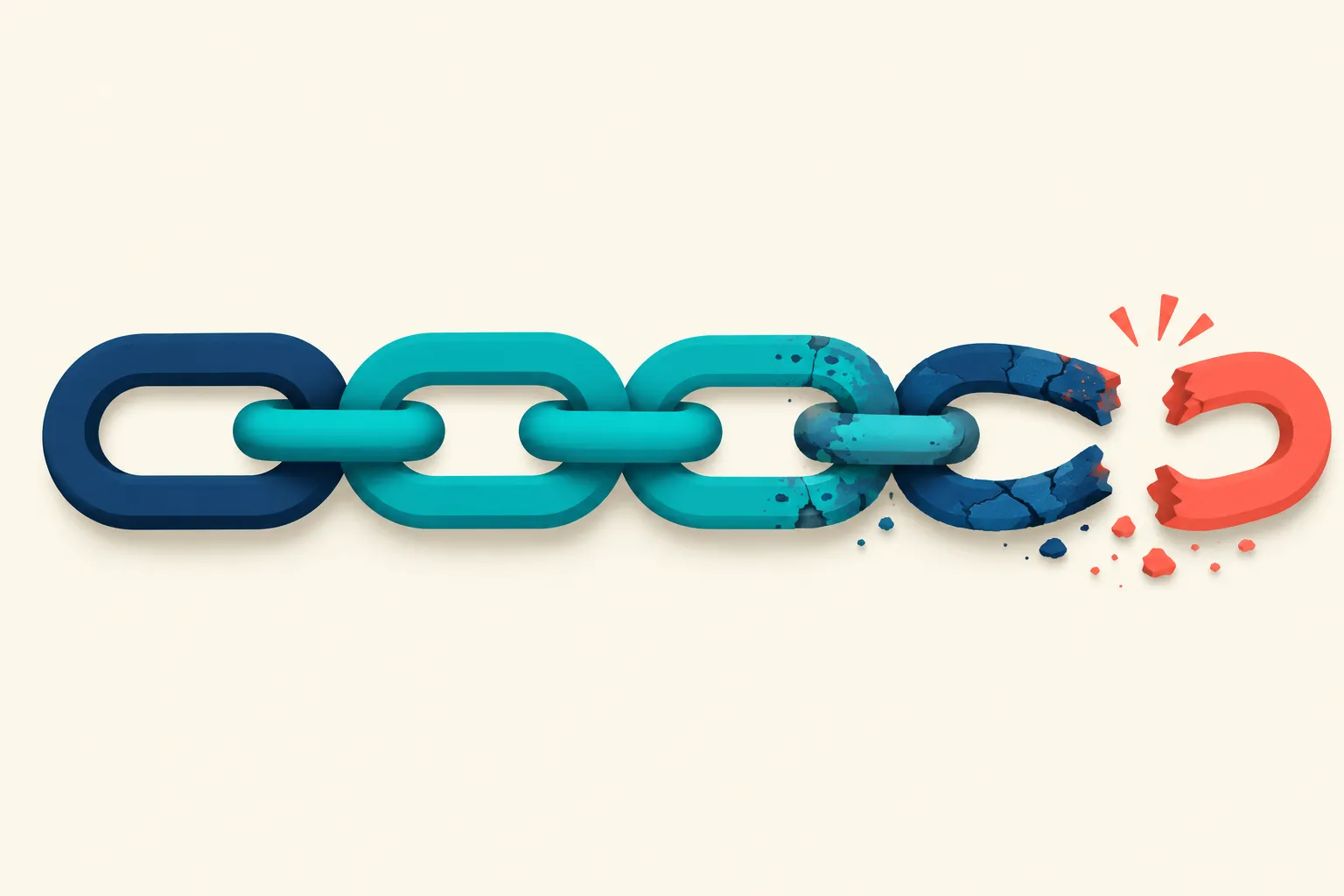
Link rot is what happens when a backlink you earned stops working: the linking page gets deleted, a site redesign drops the reference, the domain expires, or the page quietly falls out of the search index. It is not a penalty and it is not spam, it is simply decay. Ahrefs’ analysis of more than two million domains found that 66.5% of links built since January 2013 have already rotted, rising to 74.5% once redirects and indexing errors are counted. The only real defense is noticing the loss fast enough to still do something about it.
How Fast Backlinks Actually Die
Link rot is not a single event, it is a slow bleed that starts the day a link goes live and never fully stops. Ahrefs broke down exactly why links get classified as lost, and the reasons matter because each one calls for a different response:
| Reason for loss | Share of lost links | What it means |
|---|---|---|
| Dropped from the index | 47.7% | The linking page no longer appears in Google’s index at all, most often because the domain expired or the page was removed entirely |
| Link removed | 34.2% | The page is still live, but the link itself was deleted or the surrounding content was edited |
| Crawl error | 6.45% | Ahrefs’ crawler could not reach the page on its last pass |
| Redirected (301/302) | 5.99% | The linking page now forwards somewhere else |
| Not found (404) | 4.11% | The exact linking URL returns a dead page |
Dropped and link removed together account for more than 80% of every lost link Ahrefs tracked, and they call for opposite responses. A dropped page means the crawler found nothing, usually because the whole domain or page is gone, so there is rarely anything left to reclaim. A link removed from an otherwise live page means an editor cut it on purpose or by accident, which is the one category where a short, direct email routinely gets the link reinstated. How to Find and Recover Lost Backlinks walks through the triage criteria and an outreach template for exactly that scenario.
Roughly two in three backlinks built over a multi-year window are already dead by Ahrefs’ count, and that share keeps climbing the longer a link sits unchecked. A profile that looked complete during last year’s audit is not the same profile today.
Why Rot Happens Even to Good Content
Link rot is not unique to SEO or even to backlinks specifically, it is a property of the web itself. A Pew Research Center study, reported by Search Engine Journal, found that 38% of webpages that existed in 2013 are no longer accessible a decade later, and that 23% of news pages and 21% of government pages already contain at least one broken link. Even Wikipedia is not immune: 54% of Wikipedia articles have at least one dead link in their references section.
The same forces hit backlink profiles specifically. A WooRank study cited by Search Engine Land found that 12.2% of e-commerce site backlinks pointed to 404 pages, and a 2014 Harvard Law Review study found that up to 20% of backlinks can already be dead after just one year. Common triggers include:
- Site redesigns and CMS migrations that change URL structures without redirects.
- Content pruning, where a site owner deletes old posts to clean up thin content, taking every inbound link down with them.
- Domain expiration, where a linking site simply stops renewing and disappears.
- Editorial cleanup, where a writer revises an old article and cuts outbound links that no longer feel relevant.
None of these require anyone to be careless. A well-run site can still shed a meaningful share of its inbound links every year simply by existing on a web where other sites redesign, prune, and shut down constantly.
Link Rot Is Not a Penalty, and Disavowing Won’t Fix It
It is tempting to treat every backlink problem as something to disavow, but rot and spam call for opposite tools. Google’s own disavow documentation is explicit that the tool exists for a narrow case: “you should disavow backlinks only if… you have a considerable number of spammy, artificial, or low-quality links pointing to your site, AND the links have caused a manual action, or likely will cause a manual action, on your site.” Google adds that “in most cases, Google can assess which links to trust without additional guidance, so most sites will not need to use this tool.”
A rotted link fails both conditions. It was earned legitimately and it never caused a penalty, it simply stopped existing. Disavowing it does nothing, because there is no live link left to instruct Google to ignore. A rotted link and a toxic link call for opposite responses: one calls for outreach, a redirect, or accepting that it is gone, the other calls for a disavow file. Treating natural decay as a spam problem wastes a disavow submission on a link that was never the issue in the first place.
Building a Monitoring Cadence That Catches Rot While It’s Still Recoverable
A once-a-year audit will always find rot months after it happened, by which point the editor who removed your link has moved on and the domain that expired is not coming back. SEO link monitoring exists specifically to close that gap: instead of waiting for the next scheduled audit, a monitoring tool re-checks your tracked links on a set cadence and flags a change the same week it happens, while a reclamation email or a URL fix still has a real chance of working.
Monitoring for rot also has to be read alongside link velocity, the pace at which new links come in. A site that stops active link building while its existing profile keeps decaying at its natural rate is running a net-negative link velocity even if nobody notices a single link drop. Understanding link velocity as the other half of the equation, not just the rate of gaining links but the rate of losing them, gives a more honest picture of whether a referring-domain count is actually growing.
BacklinkTower’s monitoring layer is built for exactly this ongoing check: import the links you already earned, from a GSC export, an Ahrefs or Semrush list, or a manual outreach spreadsheet, and it re-checks them on a schedule, alerting the moment one drops, redirects, goes nofollow, or 404s. The goal is not to find new links, it is to know the moment one you already have stops working.
Frequently Asked Questions
What is link rot?
Link rot is the gradual death of backlinks that once pointed to a site: pages get deleted, sites redesign without redirects, domains expire, or content is pruned, and the link that used to work simply stops. It is a natural, ongoing process rather than a single event, and it affects even well-maintained sites and legitimately earned links.
What causes link rot?
The most common causes are site redesigns or CMS migrations that change URLs without redirects, content pruning where old pages are deleted, domain expiration, and editors removing outbound links during a rewrite. Ahrefs’ research found that pages dropping out of the index entirely and links being manually removed from otherwise live pages together account for more than 80% of all lost links.
How many backlinks eventually rot?
According to Ahrefs’ analysis of more than two million domains, 66.5% of links built since January 2013 have already rotted, and 74.5% no longer function once redirects and indexing errors are included. A separate Pew Research study found that 38% of webpages from 2013 are no longer accessible a decade later, which shows the pattern holds across the web generally, not just for backlinks.
Is a broken link the same thing as link rot?
Not exactly. A broken link usually refers to one specific dead URL, most often a 404. Link rot is the broader term for any way a link stops functioning, including a 404, a redirect that loses equity, a noindex tag added to the linking page, or the link being manually removed from content that is still live.
Does link rot hurt my search rankings?
It can. A backlink only passes value while it is live, indexed, and followed. Once the linking page disappears or the link is removed, any ranking benefit that link was providing stops as well. The effect is rarely dramatic for a single link, but a profile losing links faster than it gains them over time can see its overall link equity erode.
Should I disavow rotted links?
No. Google’s disavow documentation is clear that the tool is meant for spammy or manipulative links tied to a manual action, not for links that stopped working naturally. A rotted link is already gone or already ignored by Google’s own systems, so disavowing it accomplishes nothing.
How do I catch link rot before it costs me rankings?
The most reliable approach is re-checking your earned links on a set schedule instead of waiting for an annual audit. SEO link monitoring covers how to set that cadence, so a loss gets flagged while a reclamation email or a redirect fix still has a real chance of working.
Leave a Reply